
A 3D world · made at Techie Factory · Preview
STEAM Galaxy
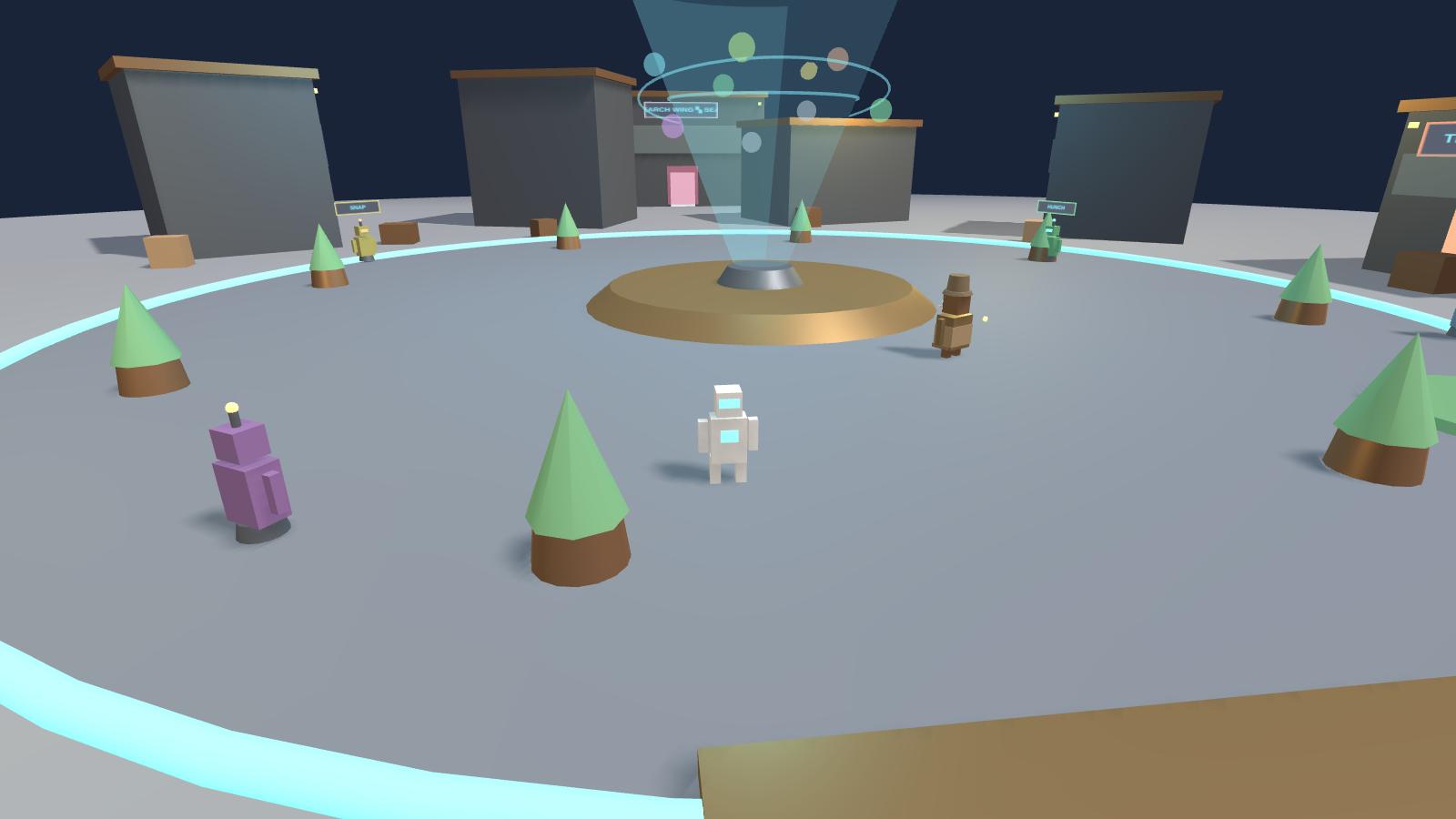
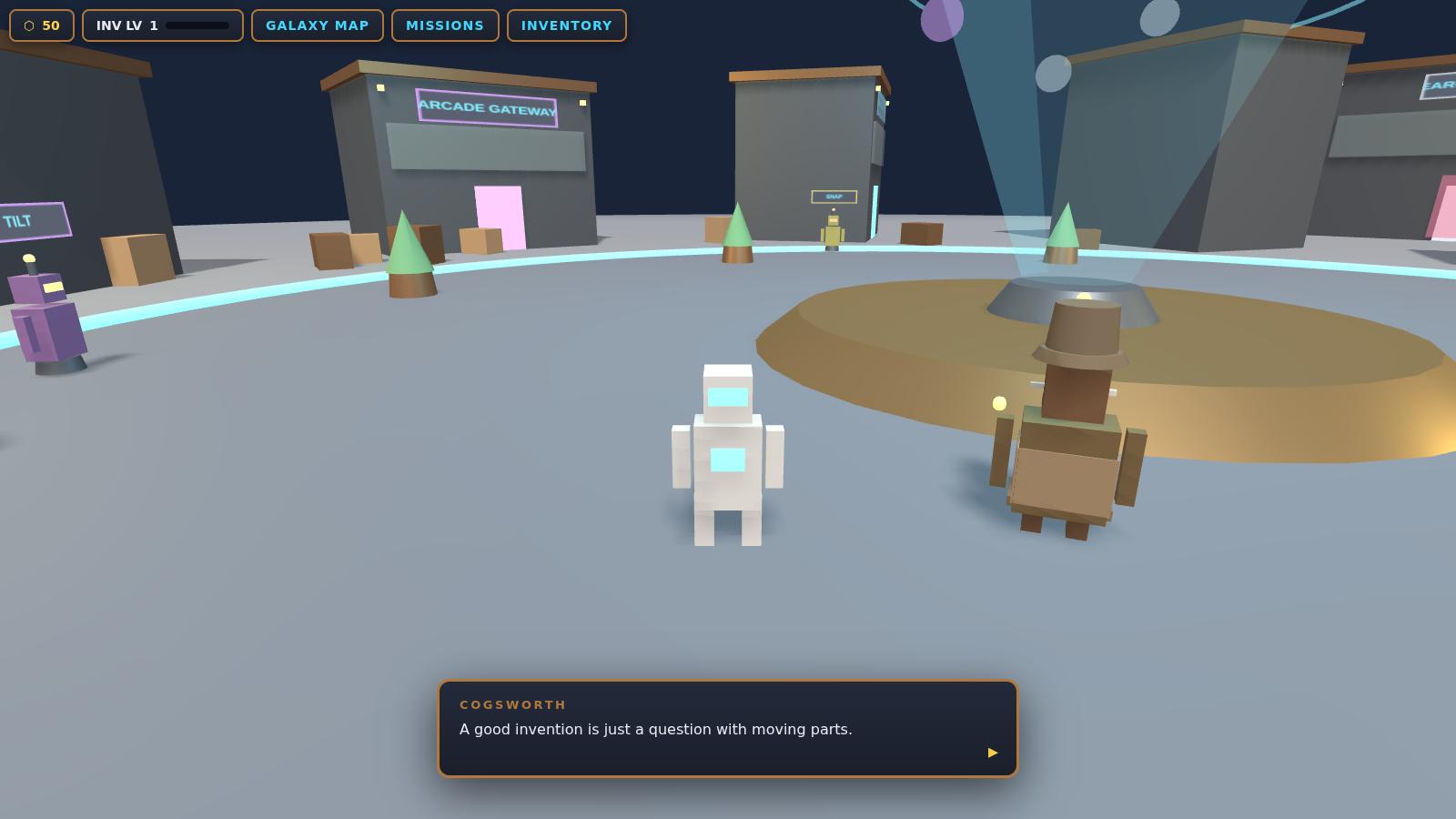
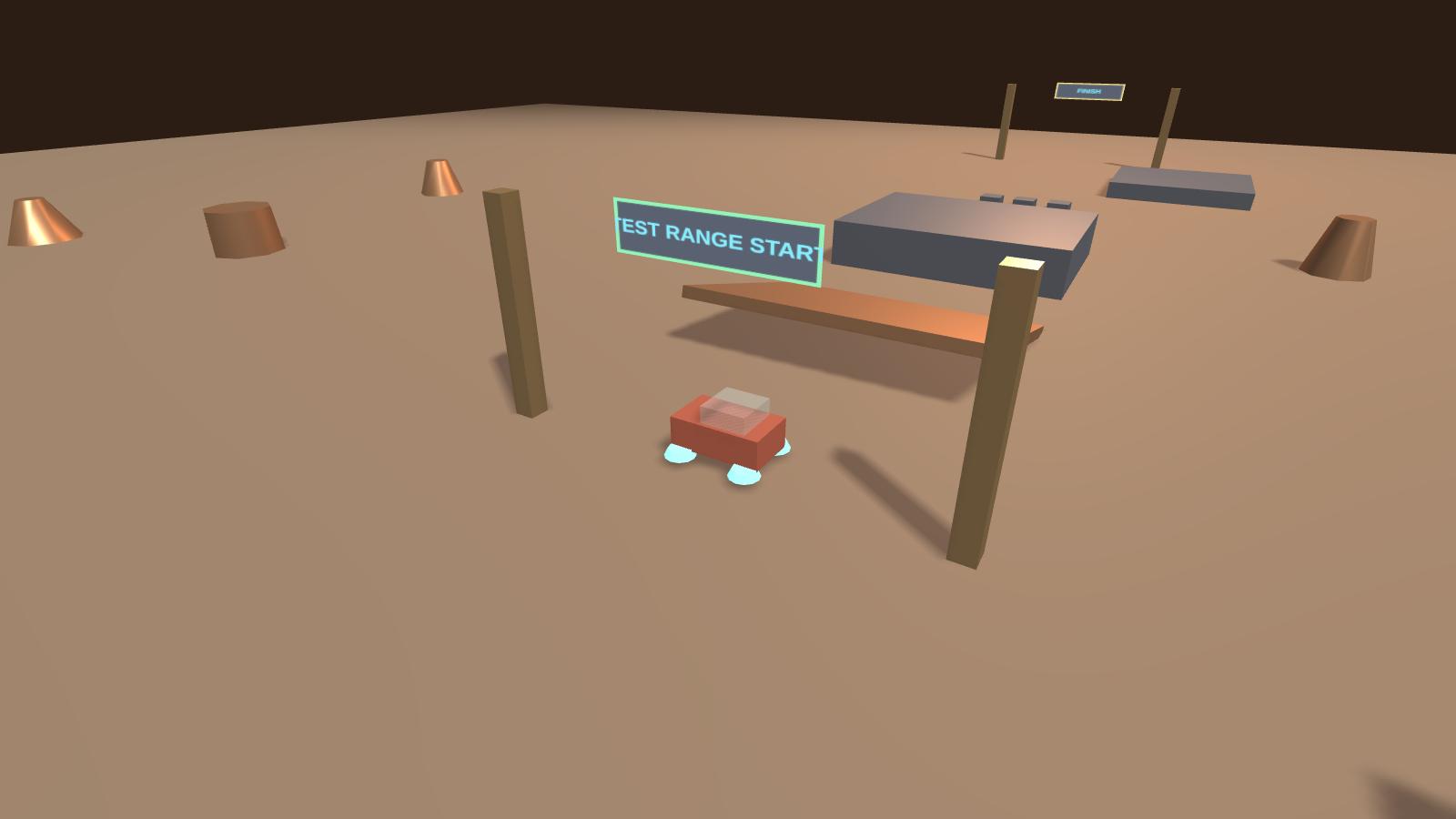
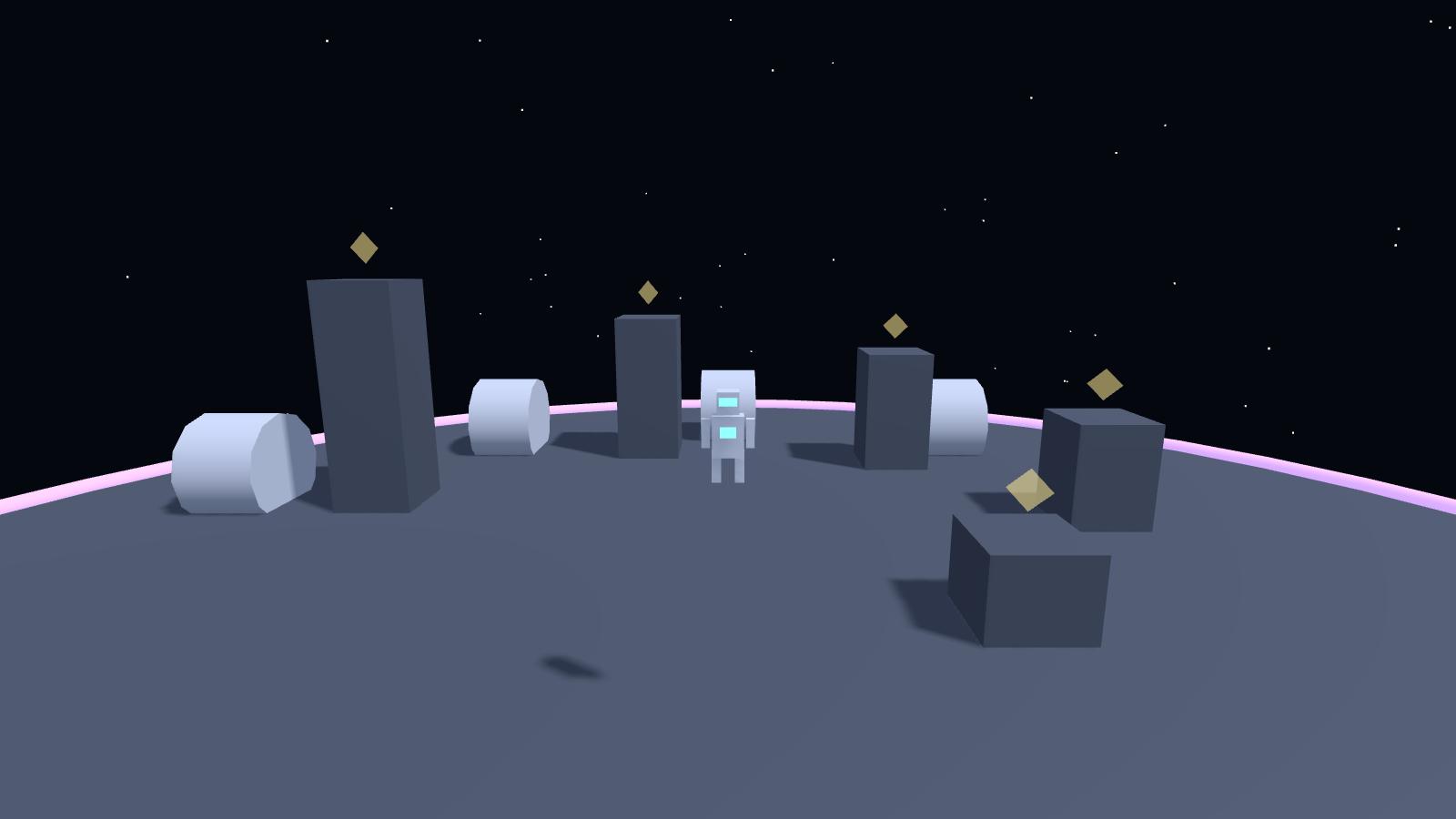
A 3D adventure where you play a young inventor at Techie Factory Central. Cogsworth and his robot crew give you real engineering jobs: fix a broken courier robot, build and test-drive your own vehicle, and bounce across a low-gravity course on an orbital station. No account, no ads, no chat. Progress saves only on your device.
Preview: three worlds are open now, more are on the map. Best on a laptop or desktop; it also runs on tablets and phones. Progress saves in this browser.
How to play
- Press ENTER THE GALAXY (or CONTINUE) and click or tap through Cogsworth's welcome.
- Move with W A S D or the arrow keys. On a phone or tablet, drag on the left half of the screen. Drag the mouse, or the right half of the screen, to look around.
- Press Space or the JUMP button to jump.
- Walk up to robots, doors and machines. When a message appears, press E or tap the E button.
- Start with Servo at the Robotics Lab: find the broken part on the bench, swap it, and run the test.
- Open the Galaxy Map with M or the GALAXY MAP button to travel to new worlds as they unlock. MISSIONS shows what to do next.
- Esc or ✕ closes a window.
- Move
- W A S D or arrow keys · Shift to run
- Jump
- Space
- Use
- E
- Map
- M
- Look
- Drag the mouse
- Touch
- Left half: move · right half: look · JUMP and E buttons
STEAM Galaxy runs entirely in your browser. To leave the game, use the “Techie Factory” button in the corner or your browser's back button.